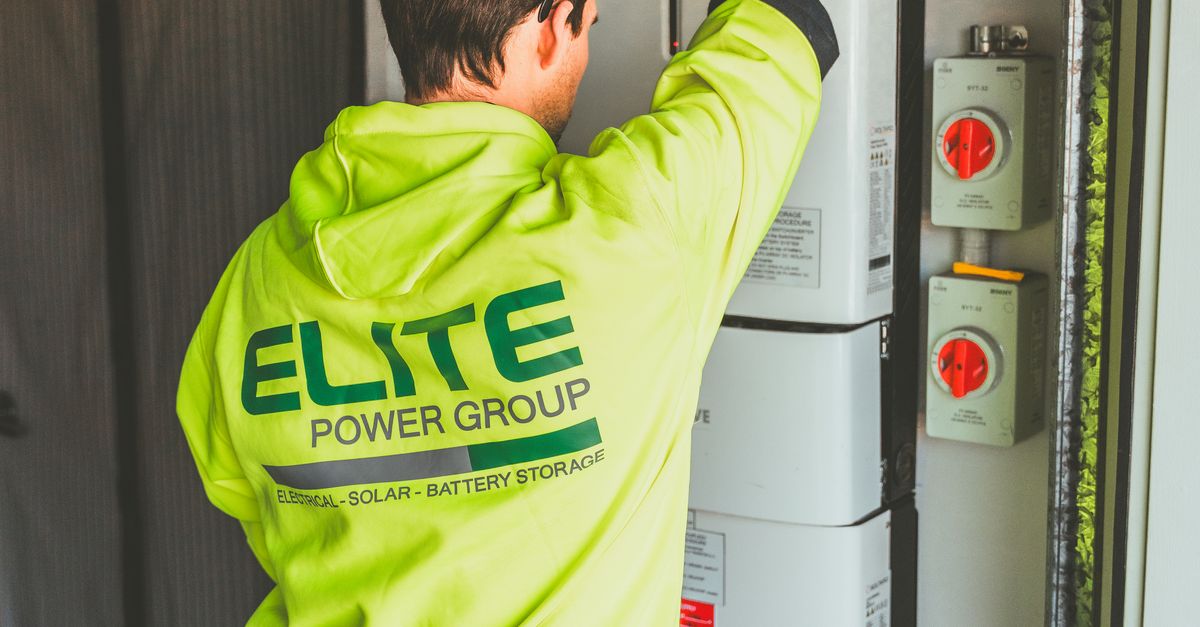
Installing Your First Smart Alarm System: A Step-By-Step Guide
Table Of Contents
Configuring Your Smart Alarm
Begin by connecting the alarm system to your home Wi-Fi network. Most smart alarm systems will guide you through this process via a mobile app. Make sure you choose a secure password to prevent unauthorised access. Follow the on-screen instructions to link your alarm to your home network. Some systems may allow for direct Ethernet connections, which offer a more stable connection but require additional setup.
Once the connection is established, set up the user accounts for family members or trusted individuals. Assign permissions to ensure that each user can only access features relevant to their needs. Adjust notification settings to receive alerts via your smartphone or other devices. This way, you can stay informed about any security events, enhancing the system's overall effectiveness in protecting your home.
Customising Settings for Maximum Security
When setting up your smart alarm system, personalising the security settings is crucial for optimal protection. Begin by adjusting the sensitivity of motion detectors. Higher sensitivity may be necessary for smaller areas while lower settings could be suitable for larger spaces to prevent false alarms from pets or passing vehicles. Additionally, establish notifications that alert you immediately via your smartphone or emails if any unusual activity is detected. Custom alerts can help you monitor your home effectively.
It is also important to set up user access levels for family members. Granting specific permissions allows different users to control the system without compromising overall security. This can help ensure that everyone has access to the features they need while keeping critical settings private. Regularly review who has access, particularly when there are changes in your household. Complete these customisations to enhance the effectiveness of your smart alarm system.
Integrating Smart Home Devices
Smart alarm systems offer the capability to work seamlessly with various smart home devices. Many users find it beneficial to integrate these systems with smart lights, door locks, and cameras, enhancing overall security and convenience. For instance, when the alarm is triggered, smart lights can flash to signal an alert, while connected door locks can automatically secure entry points. This integration provides a comprehensive security solution that not only protects a home but also simplifies everyday tasks.
To achieve seamless integration, it is essential to check the compatibility of your alarm system with other smart devices. Most modern systems come with specific apps or web interfaces that facilitate connectivity and management of multiple devices. By linking devices through a central hub, users can automate routines and create custom security scenarios tailored to their needs. This level of interactivity makes managing home security more intuitive and responsive.
Compatibility with Other Smart Gadgets
Many smart alarm systems are designed to work harmoniously with a range of other smart devices, enabling a seamless home automation experience. This compatibility enhances functionality, allowing users to create a more integrated security environment. For instance, connecting your alarm system with smart cameras can provide real-time alerts and visual verification of events. Systems that integrate with smart lighting can automatically turn on lights in response to alarm triggers, further deterring intruders.
When selecting a smart alarm system, it’s essential to check its compatibility with devices you already own or plan to purchase. Popular smart home ecosystems such as Google Home and Amazon Alexa often support various alarm systems, facilitating voice commands and remote management. Ensuring that your smart alarm can communicate with your existing gadgets enhances overall security and convenience. Compatibility can vary across brands, so reviewing product specifications will help ensure a cohesive setup.
Testing Your Smart Alarm System
Testing your smart alarm system is essential to ensure that all components are functioning correctly. Begin by activating the alarm and verify that you receive notifications on your smartphone or connected device. Walk through your home to assess how quickly the sensors react when triggered. This test will help you understand the responsiveness of each part and whether any adjustments are needed for optimal performance.
Next, check the integration with any smart home devices you may have in place. Make sure that the alarm system communicates effectively with other gadgets, such as smart lights or cameras. Trigger the alarm and confirm that these devices respond as expected. Testing the entire setup not only enhances your security but also gives you confidence in its reliability during an emergency.
How to Perform a Functionality Test
Begin by ensuring that all components of your smart alarm system are properly connected and operational. This involves checking the app on your smartphone and confirming that sensors, cameras, and the central hub are communicating effectively. You might want to simulate scenarios that trigger the alarm, such as opening a window or door while the system is armed. Pay attention to notifications or alerts generated by your system. These initial checks help you identify any issues early in the process.
Next, conduct a series of tests to ensure the system responds appropriately to various triggers. Activate the motion sensors and monitor the app for real-time alerts. Consider checking the sound levels of the alarm itself to ensure it is loud enough to deter intruders. It’s also wise to check the response time; you should receive alerts promptly in case of an event. Logging these tests helps in identifying performance issues and understanding which features work best, fostering increased reliability in your security measures.
FAQS
What is a smart alarm system?
A smart alarm system is a security solution that uses interconnected devices and smart technology to monitor your home, provide alerts, and allow you to control security features remotely via a smartphone or tablet.
How do I configure my smart alarm system?
To configure your smart alarm system, follow the manufacturer's instructions, typically involving connecting the system to your home Wi-Fi network, downloading the companion app, and setting up your preferred security settings.
Can I integrate my smart alarm system with other smart home devices?
Yes, many smart alarm systems are designed to integrate seamlessly with other smart home devices, such as smart lights, cameras, and smart locks, allowing for enhanced home automation and security capabilities.
What should I do if my smart alarm system isn't working properly?
If your smart alarm system isn't functioning as expected, first check the power supply and Wi-Fi connection. If those are fine, consult the troubleshooting section of your user manual or contact customer support for assistance.
How often should I test my smart alarm system?
It is recommended to test your smart alarm system at least once a month to ensure all components are functioning correctly and to familiarise yourself with the testing process.
Related Links
Case Studies of Smart Alarm System Installations in PerthBenefits of Smart Alarm Systems for Perth Homes
The Role of AI in Smart Alarm Systems
User-Friendly Smart Alarm System Interfaces
Home Automation and Smart Alarm System Compatibility
Understanding Features of Smart Alarm Systems
Top Smart Alarm Brands Available in Perth
How to Choose the Right Smart Alarm System for Your Needs